See your whole story before you write it.
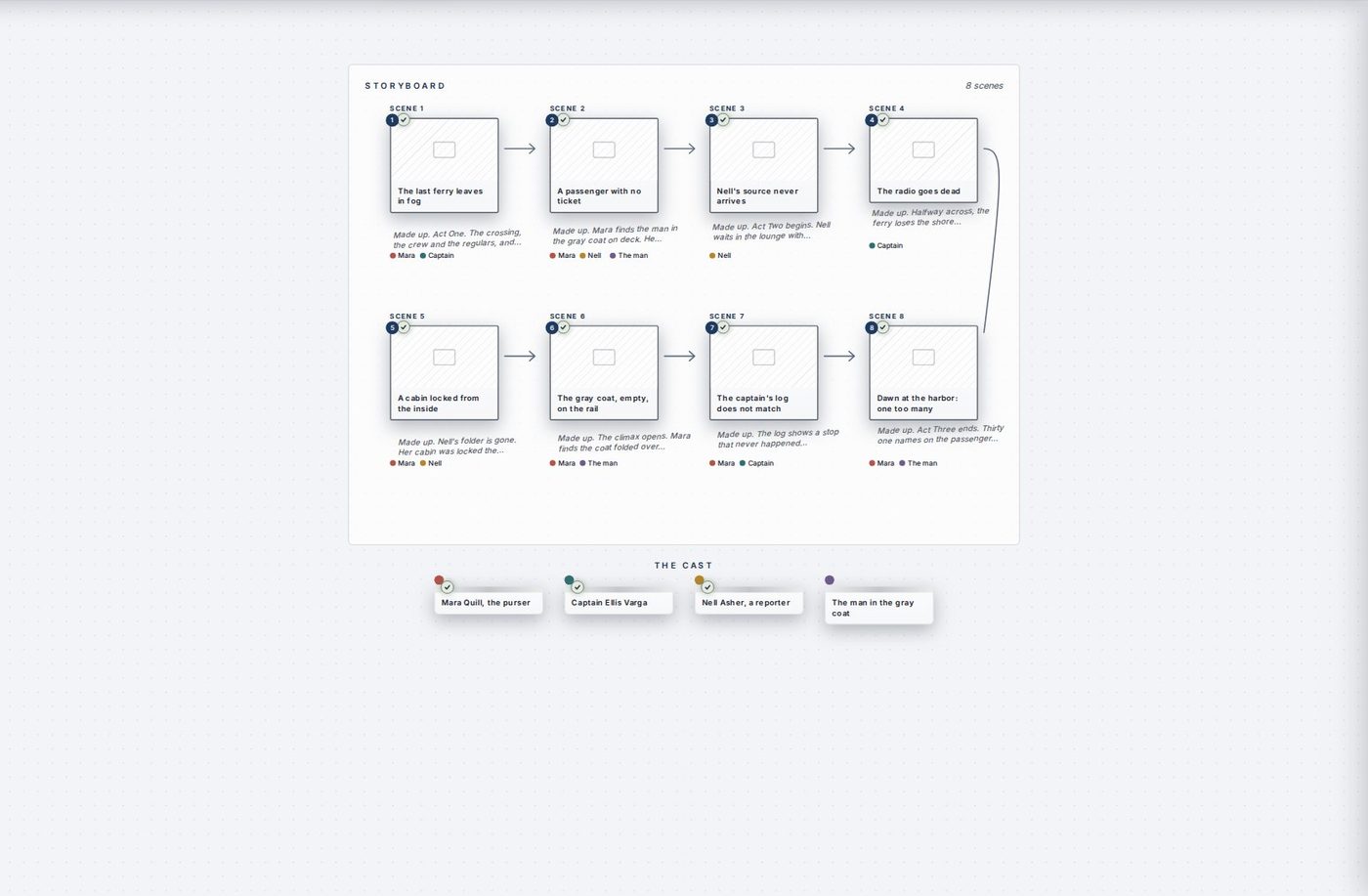
Your scenes climb a story arc in the structure you pick, with every beat marked. Below it, every character has a row with a dot in each scene they are in. Switch to the Storyboard and the same scenes become numbered panels.
Start Your StoryFree to start. No card needed.
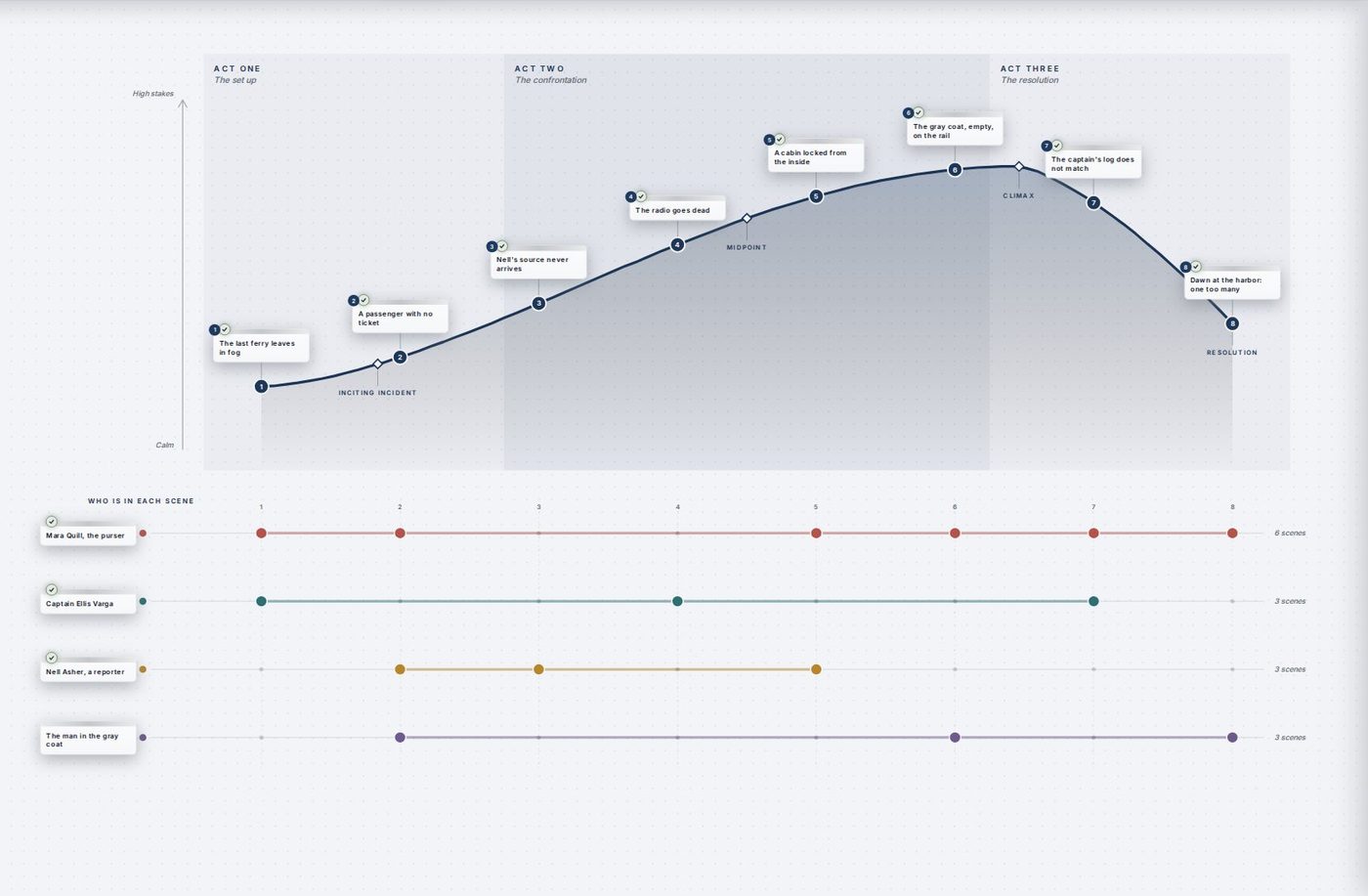
The structure you write to
Three Acts, the Hero's Journey, Save the Cat, Seven Point, Freytag's Pyramid or Kishotenketsu. Each beat is marked on the arc with the scene that falls on it, so a sagging middle shows at a glance.
Who is in each scene
Every character gets a row with a dot in each scene they are in. Click a dot to put them in a scene or take them out. A character who vanishes for half the book is easy to spot.
A storyboard of panels
The same scenes as numbered panels, four to a row, with the start of each scene's notes and who is in it. A picture on a scene fills its panel.
Print it as pages
Six panels to a page, sideways, to print or save as a PDF for a director, an artist or your writing group.
Plotlines as rows
Give each plot and subplot a row of its own with a band through its scenes. Click under a scene to put it in a plotline.
Free to start
No card needed. Your first week comes with everything, and after that you keep working for free with a few limits.
Questions
Is this for novels or for film?
Both. Writers use the Story Arc to plot, and the Storyboard lays the same scenes out the way a film, a comic or a video is planned.
Do I have to plan in order?
No. Add scenes as they come to you and put them in order later. The arc follows the order you choose.
Where do my notes go?
Every scene and character keeps its own notes, pictures and links, and Search finds them all.
See your whole story before you write it.
Start Your Story